Instant CNC Quote Accuracy: What It Reads
Published 2026-09-11 · updated 2026-09-22 · Machining Guides
A price landed in 30 seconds. The real question is whether you can raise a PO against it. Short answer: yes for most prototype work — and instant cnc quote accuracy holds up as long as your model and drawing leave nothing for the engine to assume. This post names exactly which signals automated pricing reads well, and the four places where a human still has to look before we confirm.
I'm Ashkan, the CNC engineer behind our quoting logic. I'll tell you what our engine computes from the STEP solid, what trips a review flag, and what share of uploads clear untouched.
What automated pricing actually reads from your STEP file
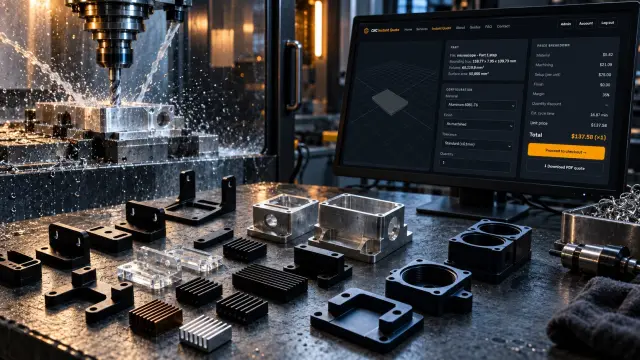
An instant engine is not guessing at a picture. It is measuring a solid. From a clean STEP file it derives hard, checkable quantities — and those quantities drive most of the cost on a simple part.
- Solid geometry and closure — an open or self-intersecting solid fails before pricing starts. Fix the export, not the price.
- Bounding box and stock size — a 92 × 61 × 18 mm envelope pulls 100 × 65 × 20 mm bar in 6061-T6, and the offcut is billed.
- Feature recognition — holes, bores, pockets, slots, threads and chamfers, each mapped to a tool and a feed.
- Material removal volume — stock volume minus part volume, converted to cutting minutes per material. Copper C101 and 316L do not remove at the same rate.
- Setup count from tool-access directions — features reachable along one vector are one setup. Add a fifth face, add an operation.
- Quantity amortization — fixed setup cost spread across the batch. That is why 1 piece and 25 pieces are not 25× apart.
Penta Precision, in its piece on instant versus human quoting, concedes the same ground: automated platforms handle simple prototype parts, standard tolerances and basic finishing well. I agree without hedging. If your part is a bracket in 6061-T6 at ISO 2768-m with an as-machined finish, the algorithm is not the weak link.

Are instant cnc quotes accurate? Four things geometry cannot tell us
So are instant cnc quotes accurate in every case? No — and the gaps are documented, not mysterious. Penta Precision names four. Each one is a place where the model is silent and the machinist has to decide something.
1. Datums the drawing never defines
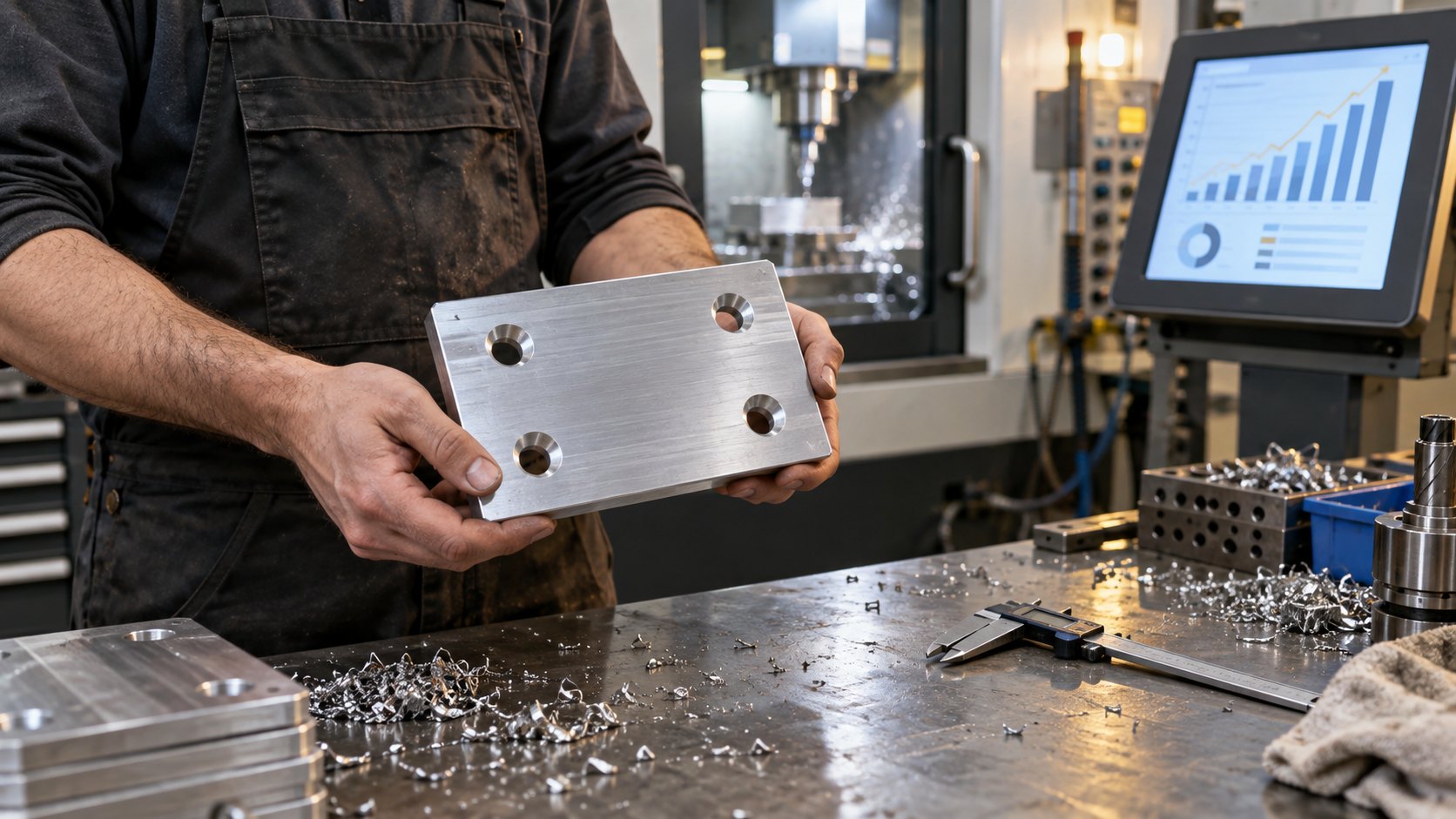
Penta's example is a plate with four holes that must align with a mating assembly. The drawing gives hole positions but never names the datum or reference face. An instant system prices the geometry straight — it assumes the model is correct and never asks how those holes get aligned in reality. A reviewer stops and asks which face the part is located from. That answer can change the setup count, and the setup count is the price.
2. Tolerances taken at face value
An algorithm reads ±0.02 mm (±0.0008 in) as a number. It does not ask whether the callout is function-critical. Penta's point is that tight, purposeful tolerances can demand different tooling, extra set-ups, more stable fixturing, slower machining or added inspection. We see it most on bearing bores and sealing faces. A ±0.01 mm bore in 7075-T6 is a boring head and a semi-finish pass, not a drill.
3. Finishing that moves the dimension
Coating has thickness. A hole that measures in tolerance before anodizing can come back undersize once growth is counted — Penta flags this blind spot specifically. Type II clear anodize grows roughly half its build per surface, so a 6.00 mm H8 bore needs masking or a pre-plate size. The engine sees a finish selection, not a dimensional consequence.
4. Thin walls, deep pockets, long unsupported features
Geometry that measures fine in CAD behaves differently once material removal begins, as Penta puts it. A 0.8 mm wall in 6061-T6 pushes away from the cutter. A pocket 40 mm deep at 8 mm wide needs a stub tool and three step-downs. Removal volume alone underprices both.
See also: cnc price guide
The cost of silence: cnc machining instant quote reliability and missing specs
MakerVerse's RFQ guide puts numbers on what an unstated spec costs. Leave the inspection scope open and suppliers price worst-case 100% inspection — that adds 10–25% to unit cost. And it names the biggest single cause of post-quote price changes: missing secondary operations. If anodizing, passivation or laser marking arrive after the price does, the price moves.
So why did my cnc quote change is usually answerable in one line: something was added that was never in the file. cnc machining instant quote reliability is mostly a function of input completeness, not algorithm quality. Write "100% CMM on 5 critical features for FAI, 10% sampling thereafter" and the guesswork — with its 10–25% padding — disappears.

Instant cnc quote vs manual quote: what we automate and what we flag
Here is the first-hand part, our own split. Our engine computes bounding box, stock size, recognized features, removal volume, tool-access setups and quantity breaks automatically from the STEP solid — no human touches those. That covers milling and turning in aluminum, copper, brass, steel and plastics.
These trip a human review flag before we confirm a price:
- Any tolerance tighter than ±0.025 mm (±0.001 in), or any GD&T callout without a stated datum.
- Wall thickness under 1.0 mm in metal or 1.5 mm in plastics.
- Pocket depth greater than 4× the narrowest width.
- Any plated or anodized finish on a toleranced hole, bore or shaft.
- Inspection asks beyond a dimensional report — FAI, CMM scope, material certs, CoC.
- Quantities above 250, where fixturing strategy changes the unit price.
Roughly 70% of uploads clear with no change. About 25% come back with an engineer's note — usually a datum question or a coating allowance — and the price moves modestly. The remaining 5% we re-quote after a call. That is the honest shape of instant cnc quote vs manual quote: not two products, one pipeline with a filter in it. See what we machine and to what tolerances before you decide which bucket your part is in.
Checklist: make your part quote-clean
Do these six things and the number you see is the number you pay.
- Export a watertight STEP (AP214 or AP242), named with the revision — Bracket_RevC.step.
- Name the datum scheme on the drawing. Every positional tolerance points at a lettered face.
- Tolerance 3–5 critical features tightly; put the rest on ISO 2768-m and leave them alone.
- Give the full material callout — 6061-T6, not "aluminum"; C110, not "copper".
- List every secondary operation with its spec, including anodize type and color.
- State the inspection scope in one sentence, and say whether the finish is applied before or after final measurement.
See also: CNC quote
FAQ
Can I order directly from an instant price?
Yes, if your part is prototype-grade, ISO 2768-m, as-machined or with a non-dimensional finish. Those clear our pipeline unchanged. Toleranced holes under anodize do not.
Why did my cnc quote change after I uploaded a drawing?
The drawing added information the model did not carry — a datum, a tight bore, an anodize spec or an FAI requirement. MakerVerse identifies missing secondary operations as the leading cause of post-quote changes, and that matches what we see.
Does a slower quote mean a more accurate one?
No. It means more assumptions got checked. A clean file needs no checking. A file with an undefined datum needs it regardless of who prices the part.
How tight can you hold without a review flag?
±0.025 mm (±0.001 in) on milled features and Ra 1.6 µm as-machined run straight through. Tighter than that, an engineer looks first.
Quote it clean and see for yourself
Instant pricing is accurate on the part of the job that geometry defines, and blind to the part your drawing has to define. Fix the second half and the speed costs you nothing. Upload your STEP file for an instant CNC machining quote priced from your geometry and you will see the flagged items named before we confirm. Questions on a specific tolerance or coating allowance? Send the drawing to our engineers →
Related guides
Price your part in seconds
Upload a STEP or IGES file — real geometry, real pricing, no waiting.