CNC Milling Machine Quote by Part Geometry
Published 2026-10-22 · Machining Guides
A cnc milling machine quote is auditable when it ties your CAD geometry to axis choice, setup count, tool access, tolerance risk, and quantity. For each part, compare the number of faces needing access, the shortest safe tool, and the cost of re-datuming—not just the machine’s hourly rate. That is how you choose 3-axis or 5-axis work.
I’m Ashkan, CNC engineer at CNC Instant Quote. The useful quote-stage question is not which machine costs less per hour. It is which route produces your part with the fewest setups, stable tool reach, and a tolerance plan you can inspect.
What should a CNC milling machine quote show?
A useful CNC milling machine quote shows the selected axis route, machined faces, setup count, tool-reach limit, tolerance callouts, cycle time, and quantity effect. Those fields convert one STEP file into an auditable manufacturing decision.
Use this decision record before comparing suppliers. If a quote gives only an hourly rate, ask for the missing geometry assumptions.
| Quote field | What to record | Decision signal |
|---|---|---|
| Machined faces | Top, bottom, and side faces requiring tool access | More accessible faces usually mean more setups or a higher axis count |
| Setup count | Number of fixture orientations and datum transfers | Three or more 3-axis setups deserve a 5-axis comparison |
| Tool reach | Longest cutter extension and smallest tool diameter | Deep pockets with excessive overhang raise chatter risk |
| Tolerance | Cross-face position and profile requirements in mm | Below ±0.025 mm across setups can make datum transfer the cost driver |
| Quantity | One-piece price and batch price | A fixed setup charge should fall sharply per part at 10 pieces |
If the CAD model is actually a flat panel with shallow features, use the site’s CNC Router vs Mill: Choose from Your CAD guide before asking for a milling route.
How do CNC mill setup cost and tool reach change the quote?
CNC mill setup cost grows when the machinist must reclamp, re-indicate, and transfer the datum. Tool reach adds cost when a deep feature forces a small cutter or a long, flexible extension.
Yicen Precision’s current breakdown places machine time at 40–55% of a milled-part quote, programming and setup at 10–20%, tooling at 5–10%, and finishing or QC at 5–15%. Material is a separate driver. Once geometry is fixed, CNC Machining Tariffs 2026: Why Your Quote Costs More covers non-geometry cost changes.
- Count the faces that require direct cutter access. Failure mode: an omitted side face becomes an unplanned second setup and a datum-transfer error.
- Measure the deepest feature against the tool diameter. Failure mode: a deep pocket requiring excessive tool overhang causes chatter, poor Ra, or a slower feed.
- Mark only the dimensions that need tight control. Failure mode: applying ±0.025 mm to every feature adds inspection and rework risk where ±0.1 mm would work.
- Compare one setup, two setup, and 5-axis routes at the same quantity. Failure mode: choosing the lowest hourly rate hides fixture changes and scrap exposure.
For a broader geometry check before uploading, use CNC Machining Design Mistakes Cost You More Than You Think. The relevant question is whether the design creates avoidable access or tolerance work.
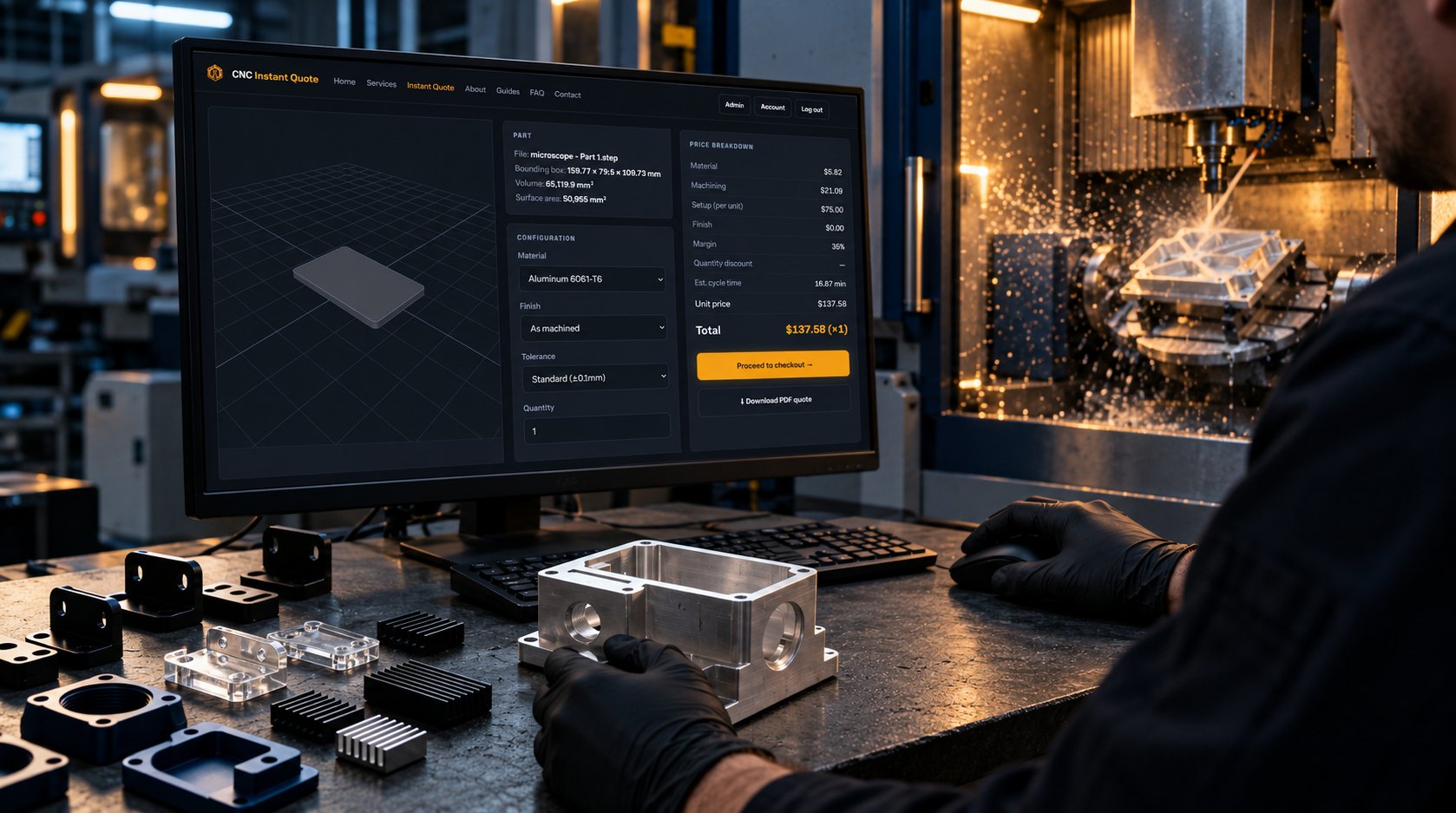
What does a 6061-T6 housing quote look like?
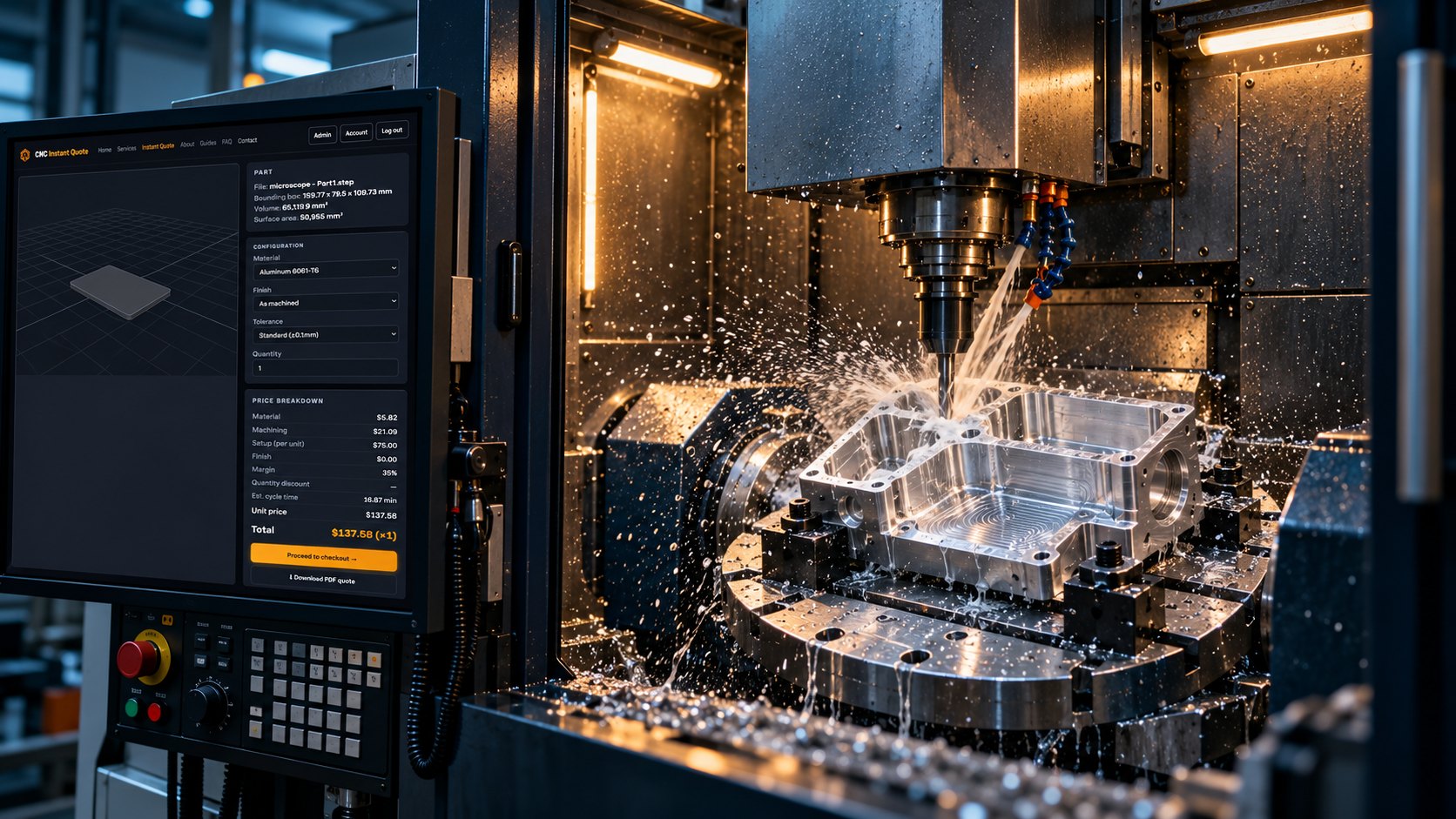
The CNC Instant Quote log shows a 6061-T6 housing routed as 3-axis work with two machined face orientations and two setups. The logged standard tolerance is ±0.1 mm, so the part does not justify a 5-axis premium unless a future drawing adds a tighter cross-face requirement.
| Quote field | Logged value | Route implication |
|---|---|---|
| Bounding box | 159.77 × 7.95 × 109.73 mm | Long, thin geometry needs stable fixturing and controlled deflection |
| Material | Aluminum 6061-T6 | Standard aluminum route with no exotic material premium |
| Machined faces | 2 | Two orientations are required for complete access |
| Setup count | 2 | 3-axis remains practical at standard tolerance |
| Tool-reach constraint | Recessed feature requiring approximately 4× tool-diameter stickout | Use a shorter tool where possible; excessive extension can trigger chatter |
| Tolerance callout | Standard ±0.1 mm | Room remains for two-datum machining without a high-precision axis change |
| Selected route | 3-axis VMC, two setups, as machined | Lower hourly rate offsets the added fixture orientation |
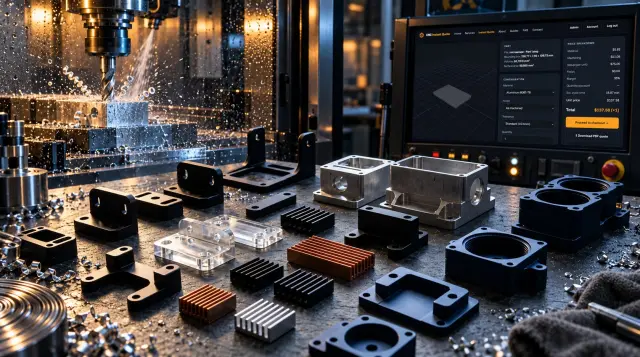
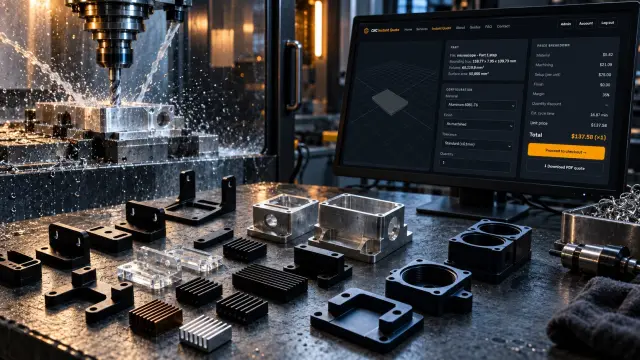
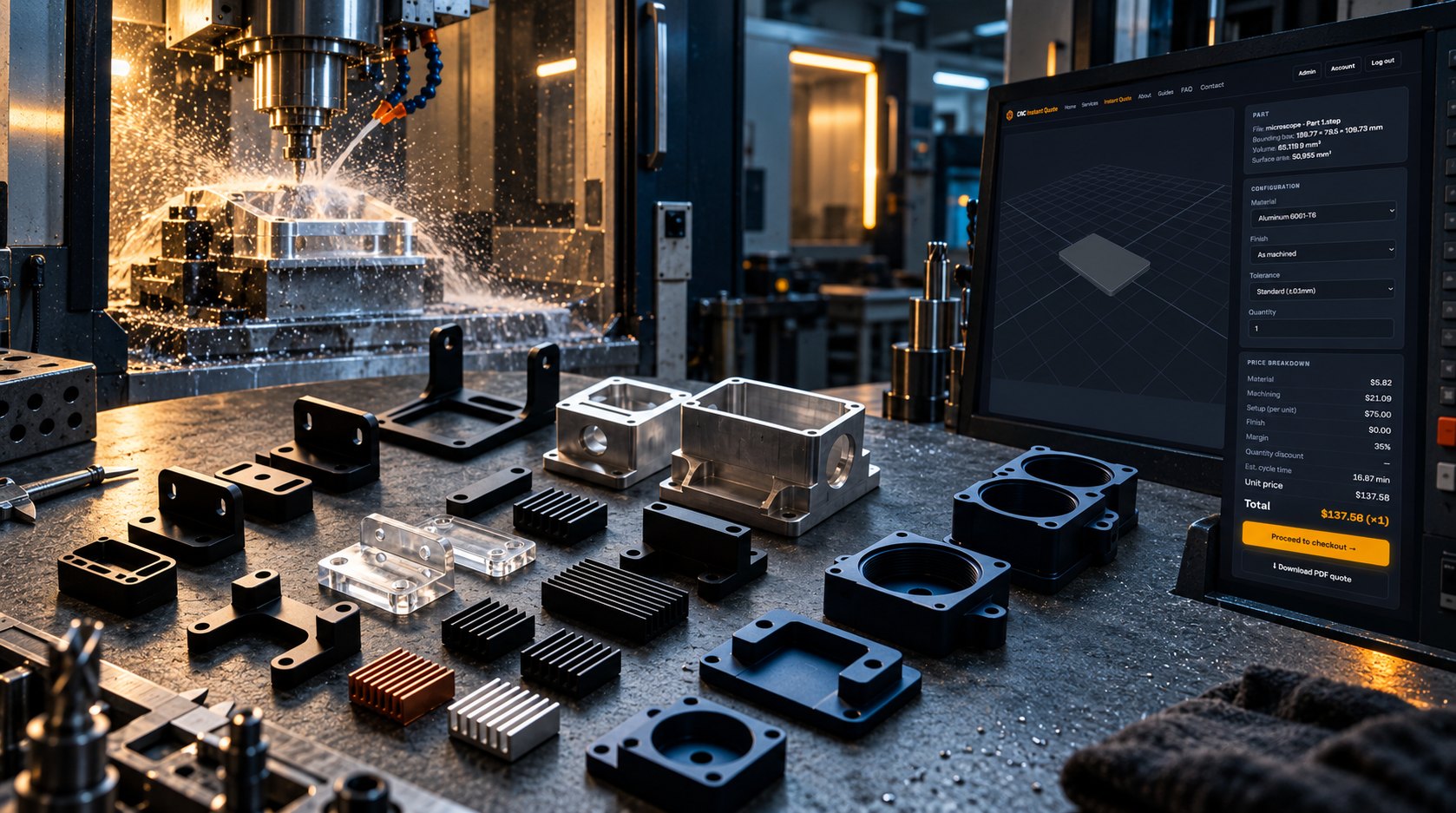
The one-piece record lists a 16.87-minute estimated cycle, $5.82 material, $21.09 machining, $75.00 setup, no finish charge, and a $137.58 total. The quote screen identifies the file as microscope - Part1.step and records the same 159.77 × 7.95 × 109.73 mm bounding box.
| Quantity | Calculation from the logged rates | Price |
|---|---|---|
| 1 piece | $5.82 material + $21.09 machining + $75.00 setup, then 35% margin | $137.58 total |
| 10 pieces | One $75.00 batch setup plus 10 × ($5.82 + $21.09), then 35% margin | $464.54 total, $46.45 each |
| Quote delta | Ten separate one-piece quotes would total $1,375.80 | $911.26 lower as one 10-piece batch |
The cutting time remains 16.87 minutes per part, or about 168.7 minutes for 10 parts. The savings come from setup amortization, not from pretending the machine cuts faster.
What is the 3 axis machining cost versus the 5 axis break even point?
The published comparison from PrecisionFab places 3-axis work at $60–95 per hour and 5-axis work at $110–180 per hour. Hourly rate alone is misleading because 5-axis machining can remove fixture changes, datum transfers, and long-tool slowdowns.
PrecisionFab reports 8–15 minutes of setup per piece, approximately ±0.03–0.05 mm position tolerance after multi-setup work, and an 18-minute versus 14-minute cycle for a 100 mm prismatic bracket. The 5 axis break even point appears when the saved setup and risk outweigh the higher machine rate.
| Part condition | 3-axis route | 5-axis route | Use when |
|---|---|---|---|
| One or two accessible faces | Usually lowest total cost | Higher hourly rate adds little value | Standard housings, plates, and brackets |
| Three or more setups | Adds 8–15 minutes per setup event and datum risk | Can consolidate access | Cross-face location matters or quantity is high |
| Cross-face tolerance below ±0.025 mm | Datum-transfer error becomes likely | Single-setup access reduces stack-up | The drawing controls true position across faces |
| Deep feature with long overhang | Chatter may force slower feeds or rework | Tilting can use a shorter, stiffer tool | Tool reach is the limiting feature |
| 100 mm prismatic bracket | 18-minute cycle in PrecisionFab comparison | 14-minute cycle in PrecisionFab comparison | The saved four minutes offsets part of the rate premium |
For example, at $60 per hour, an 18-minute 3-axis cycle costs about $18 in machine time. At $110 per hour, a 14-minute 5-axis cycle costs about $25.67. The 5-axis route costs more before setup savings, so it earns its place through fewer operations, safer reach, or better tolerance control.
FAQ: CNC milling machine quote decisions
Should every tight-tolerance part use 5-axis machining?
No. Use 5-axis when the tolerance spans multiple faces, the part needs three or more setups, or tool reach creates chatter. A two-setup 6061-T6 housing at ±0.1 mm can remain a sound 3-axis job.
What should you include with a quote request?
Upload the STEP file, material such as 6061-T6, finish, quantity, and a drawing that identifies critical tolerances. The CAD model determines feature access and cycle time; the drawing determines inspection risk.
What triggers datum-transfer error or chatter?
A cross-face tolerance under ±0.025 mm can expose datum-transfer error after multiple setups. A deep feature that requires excessive tool overhang can trigger chatter, poor surface finish, and a slower route.
Choose the route your CAD part actually needs
A reliable quote names the faces, setups, tool reach, tolerance risk, cycle time, and quantity math. For your next part, compare CNC machining shops near me by the manufacturing route they assign to your geometry—not by hourly rate alone. Upload the STEP file and get an engineering-driven price →
Related guides
Price your part in seconds
Upload a STEP or IGES file — real geometry, real pricing, no waiting.