CNC Router vs Mill: Choose from Your CAD
Published 2026-10-08 · Machining Guides
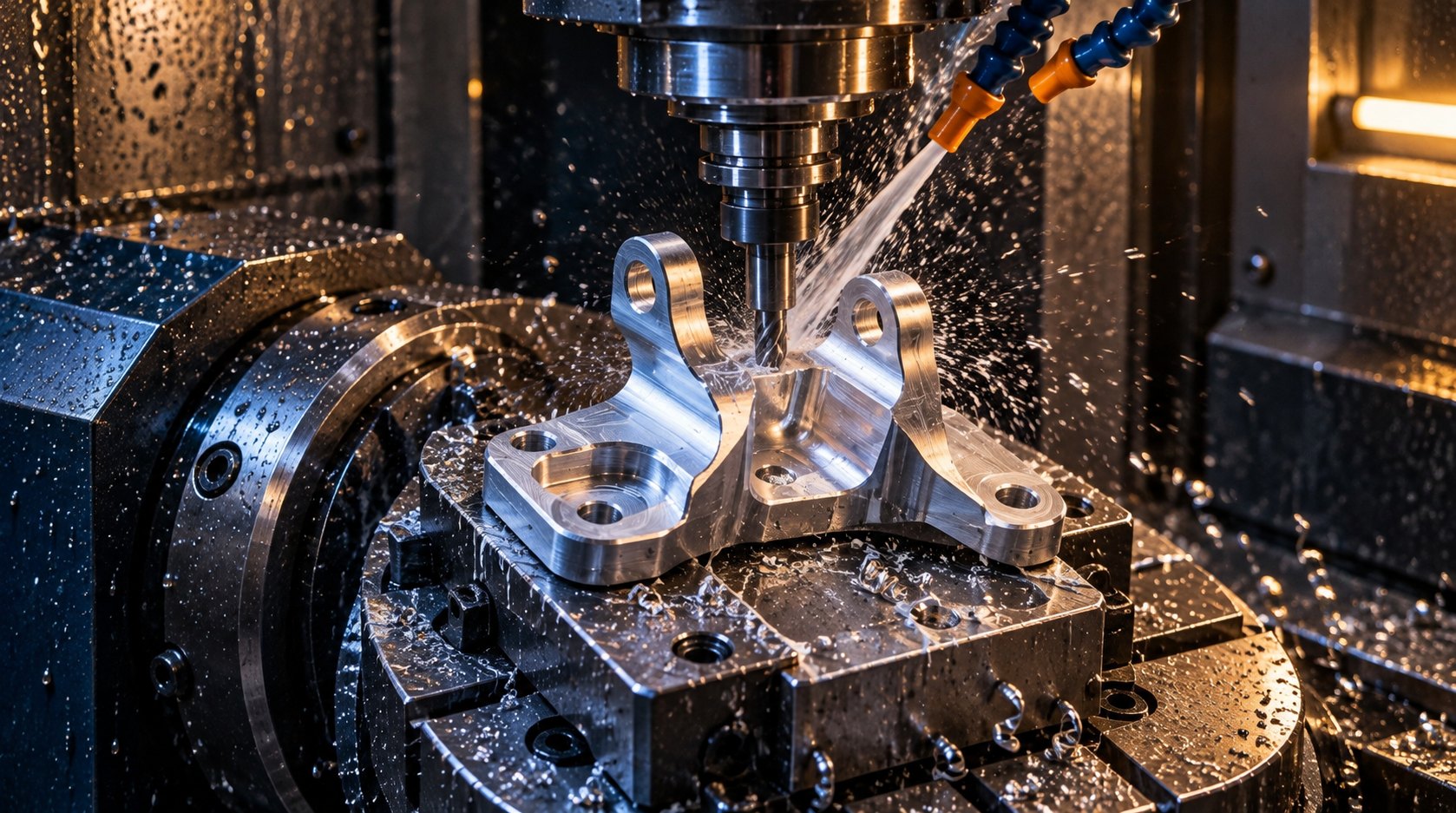
CNC router vs mill is a part-selection decision, not a machine-label contest. Choose a router for large sheet profiles and moderate tolerances; choose a mill for compact metal parts, deep pockets, high cutting loads, and tight positional control. Start with your CAD envelope, stock thickness, material, features, and required tolerance.
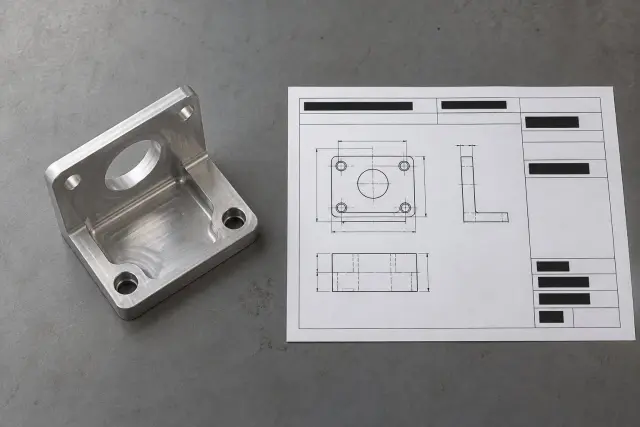
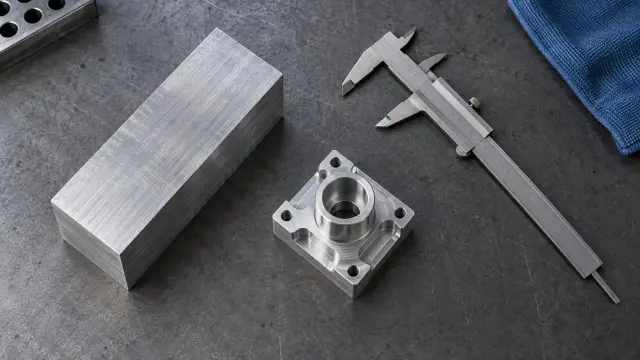
Most ranking pages stop at gantry versus column. For an outsourced part, the useful workflow starts with the uploaded CAD: identify the stock, envelope, pockets, holes, required tolerance, and setup count. That turns a broad machine comparison into a quote you can review before cutting.
CNC router vs mill: which process fits your part?
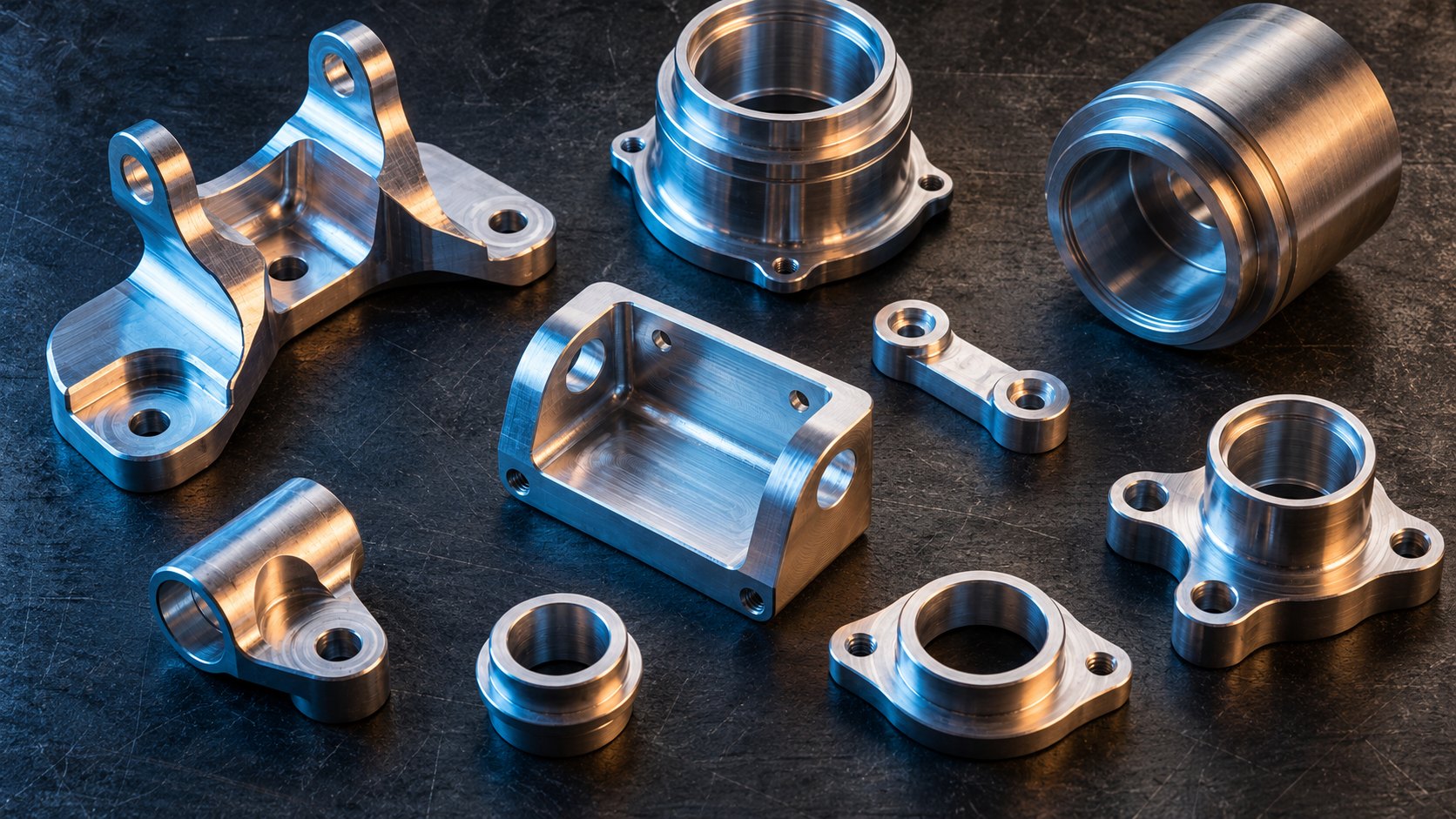
Choose a router when the part starts as a large sheet or panel and the features are mainly through profiles. Choose a mill when the part is compact, metallic, deep, or tolerance-critical. Quick CNC draws the practical line between 4 × 8 ft sheet work and compact metal parts with deep pockets.
What the published ranges tell you
InfiMaker lists typical router positional accuracy at ±0.005–0.010 in (±0.13–0.25 mm). Its mill range is ±0.001–0.005 in (±0.025–0.13 mm). These are screening values, not a promise for every finished feature, but they quickly expose a poor process match.
| Part signal | Router route | Mill route | Use when |
|---|---|---|---|
| 4 × 8 ft sheet with through profiles | Strong fit for one large-sheet setup | Usually the wrong envelope | Sheet size and nesting drive the quote |
| 6061-T6 aluminum around 6 mm thick | Possible with shallow passes and chip control | Preferred for thicker or heavier removal | Thin stock and moderate tolerance are acceptable |
| Compact metal block with deep pockets | Chatter and deflection risk increase | Better rigidity and tool access | Cutting load and pocket depth dominate |
| ±0.05 mm positional control | Outside the router's typical range | Better match to the published mill range | Hole location or mating features are functional |
See also: ISO 9001:2026 Supplier Questions for Machined Parts
Can a CNC router cut aluminum?
Yes, a CNC router can cut aluminum when the stock is thin, the toolpath is light, the part is held securely, and the required tolerance fits the machine. InfiMaker gives roughly 6 mm aluminum stock as a practical guide, with 0.5–1.5 mm passes.
A CNC mill for aluminum becomes the safer choice as thickness, pocket depth, cutting force, or output increases. Quick CNC also stresses that spindle speed alone does not settle the decision. Feed, cutter geometry, chip load, depth of cut, rigidity, and chip removal must match the actual job.
Worked example: 6061-T6 panel
For a 6061-T6 panel measuring 250 × 150 × 6 mm with through profiles, start with a router route if the drawing accepts approximately ±0.13–0.25 mm positional accuracy. The thin stock fits InfiMaker's guidance. Through profiles also avoid the deep-pocket load that usually favors a mill.
Specify the 6 mm stock, the profile dimensions, edge requirements, and any hole locations in the CAD or drawing. If the panel needs tighter control than the router range, move the quote to a mill process instead of relying on a machine label.
What does router vs mill accuracy mean for your tolerance?
Router vs mill accuracy matters when a feature must mate, locate, or repeat. The published ranges favor a mill for tighter positioning, but JLC says cutting forces, geometry, and tolerance matter more than nominal axis count. Finished-part accuracy comes from the complete setup.
Worked example: 7075-T6 bracket
An 80 × 50 × 20 mm 7075-T6 bracket with a 10 mm pocket, two Ø6 mm holes, and ±0.05 mm positional control points to CNC milling. The compact envelope fits a mill. The pocket creates a heavier cutting load. The hole-position requirement is tighter than InfiMaker's typical router range.
Plan the bracket as a two-setup quote if the pocket and hole axes require different access directions. A second setup can add handling, but it is preferable to forcing long tool reach or weak workholding into one unstable operation.
How should you map CAD geometry to an outsourced quote?
Map the quote from the features that create cutting load and inspection risk. Ashkan CNC engineer's working rule is to identify stock, envelope, deepest feature, tolerance, and orientations before discussing the machine.
- Upload the complete geometry — Failure mode: missing faces or suppressed features hide the real envelope and produce the wrong process assumption.
- State the alloy and stock thickness — Failure mode: treating 6061-T6 and 7075-T6 as interchangeable can understate cutting load and tool wear.
- Mark the deepest pocket and longest reach — Failure mode: long tool reach, deep pockets, or insufficient rigidity trigger chatter and deflection.
- Separate functional tolerances from general dimensions — Failure mode: applying ±0.05 mm everywhere can add unnecessary setups and inspection work.
- Count the required orientations — Failure mode: a feature that cannot be reached in one setup becomes a fixture or rework problem after programming.
If your drawing needs a broader review of geometry risks, use CNC Machining Design Mistakes Cost You More Than You Think before requesting a final quote. For CNC milling and turning in aluminum, copper, brass, steel, and plastics, you can upload CAD geometry to Instant Quote →
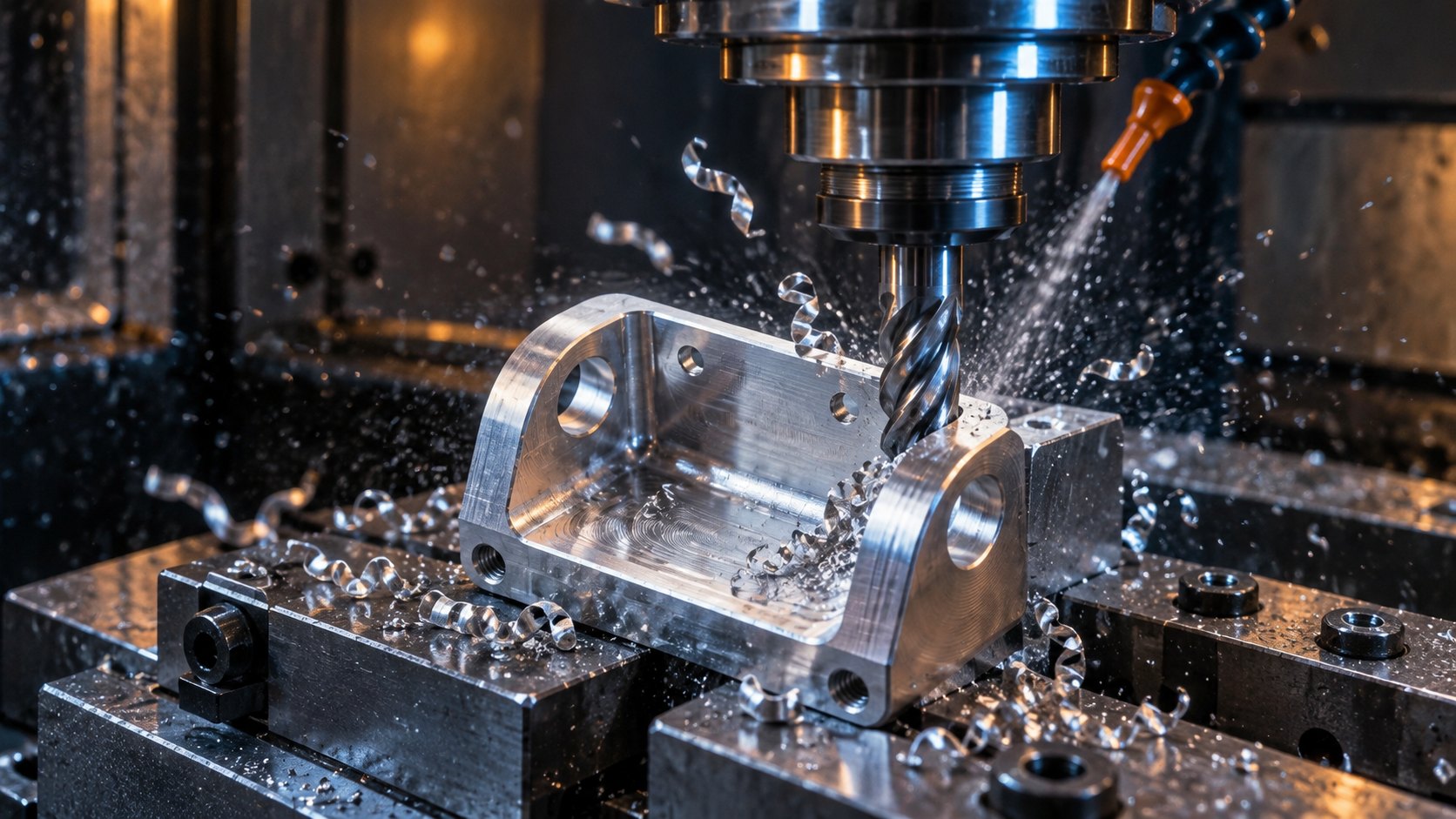
An anonymized CNC Instant Quote example shows the decision trail: uploaded geometry — 80 × 50 × 20 mm 7075-T6 bracket with a 10 mm pocket and two Ø6 mm holes; selected process — CNC milling; setup count — 2; measured result — 10.01 mm pocket depth and hole-center positional error within ±0.04 mm.
See also: CNC Machining Tariffs 2026: Why Your Quote Costs More
FAQ: CNC router vs mill decisions
Is a mill always more accurate than a router?
No. InfiMaker publishes tighter typical mill ranges, but workholding, tooling, cutting conditions, geometry, and inspection still affect the finished result. Compare the required feature tolerance with the machine's expected result.
Can a router machine every aluminum part?
No. A router can suit thin aluminum and shallow passes. A mill is better for thicker stock, deeper pockets, higher cutting loads, and tighter positional control.
Does a 4 × 8 ft work area decide the process?
It can decide the process for a full sheet or large panel. For a compact metal part, usable clearance, rigidity, tool reach, workholding, and tolerance matter more than the advertised envelope.
Choose CNC routing from the part, not the label
For the 250 × 150 × 6 mm 6061-T6 panel, start with a router quote when the tolerance fits its published range. For the 80 × 50 × 20 mm 7075-T6 bracket, use a mill route because the pocket depth, cutting load, and ±0.05 mm positional control require more rigidity. Review our CNC routing services for the available machining paths and submit your geometry when the process is clear →
Related guides
Price your part in seconds
Upload a STEP or IGES file — real geometry, real pricing, no waiting.