CNC Price Guide Material Waste: CAD Geometry
Published 2026-09-23 · Machining Guides
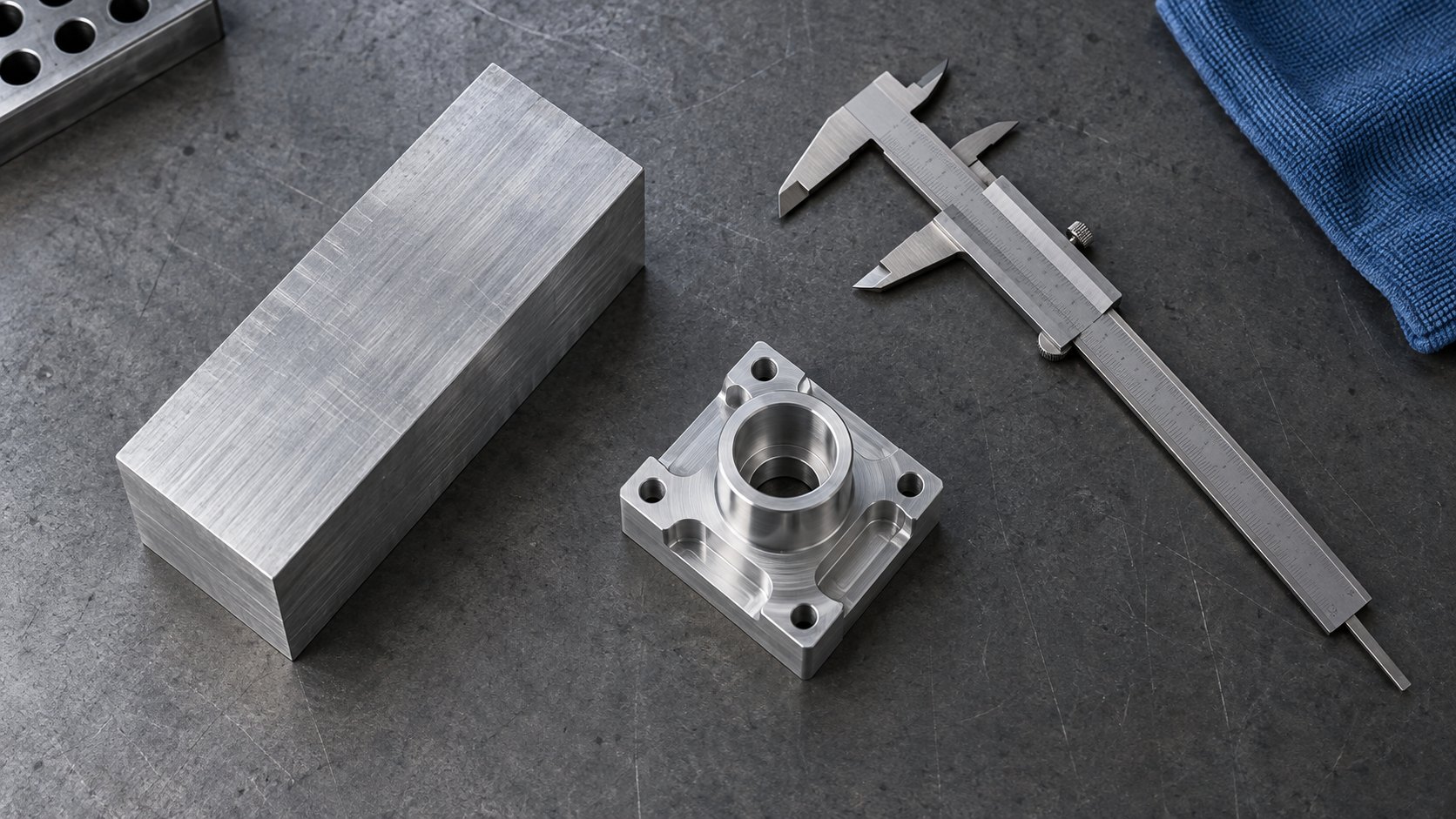
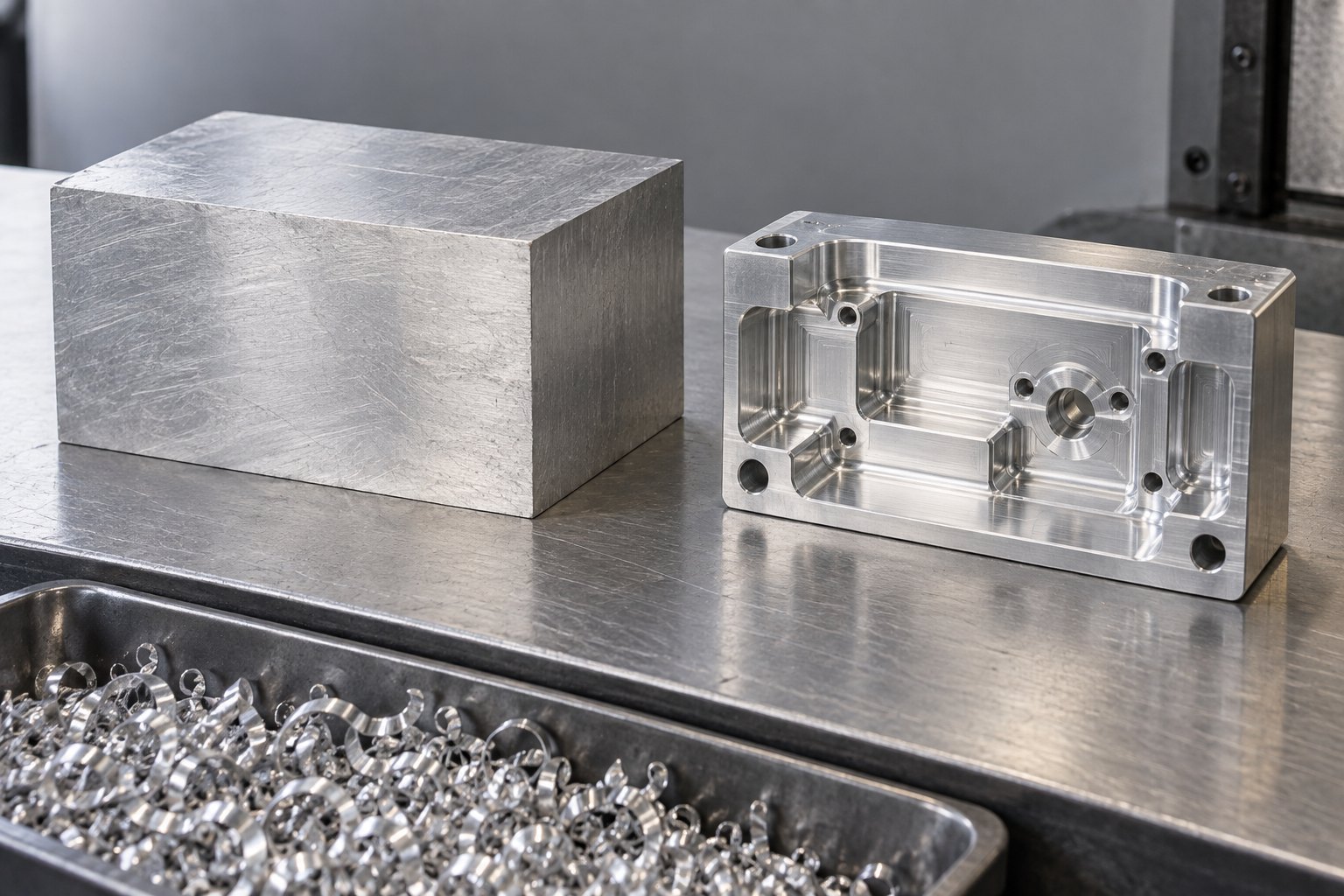
A CNC price guide material waste calculation starts with the stock your shop must buy, not the weight left in your part. Divide raw-stock weight by finished-part weight to get the buy-to-fly ratio. Then trace the CAD’s removable volume and cutter access, because both can raise the material line and machine time.
I’m Ashkan, a CNC engineer at CNC Instant Quote. This guide stays focused on geometry-derived waste across CNC milling and turning in aluminum, copper, brass, steel, and plastics. ProCut CNC’s cost-driver guidance supports the same practical view: geometry can change the machining effort even when the material stays the same.
How does a CNC price guide material waste calculation work?
Material waste is the gap between raw stock and finished geometry. The buy to fly ratio—usually written buy-to-fly ratio—is raw-stock weight divided by finished-part weight. Material utilization, or raw stock utilization, is 1 divided by that ratio.
For one material, you can use volume as a weight proxy because density cancels. A 5:1 ratio means 20% utilization. The remaining 80% becomes chips, including material removed from pockets, walls, clearances, and clamping allowances.
| Da He case | Buy-to-fly | Material utilization | Material + machining total for a 10 lb finished part | Geometry signal / use when |
|---|---|---|---|---|
| Nearer-net example | 2:1 | 50% | $453 | Use when the stock envelope closely follows the finished part. |
| Typical billet example | 5:1 | 20% | $1,271 | Audit pockets, walls, and clamping allowance before release. |
| High-removal example | 10:1 | 10% | $2,634 | Review a preform or redesign when most stock becomes chips. |
Da He reports these $453, $1,271, and $2,634 material-plus-machining totals for a 10 lb finished part at 2:1, 5:1, and 10:1 ratios. The numbers show why a ratio is more useful than finished weight alone.
See also: CNC Router vs Mill: Choose from Your CAD
How much can a 5:1 ratio add to an aluminum quote?
A 5:1 ratio can make the material line much larger than the metal left in your part. HDProto’s worked example uses a 2 kg finished aluminum part that requires 10 kg of stock at a 5:1 ratio.
At $5.50/kg, the stock costs $55. With a 35% markup, the material line becomes $74.25. The 2 kg finished part contains only $11 of aluminum at that base price. The other $63.25 reflects paid stock, waste, and markup—not metal that remains in the part.
That is the CNC material waste cost you should question first. Ask which stock volume the quote used, then compare it with the finished solid volume from your CAD model.
See also: CNC Quote ISO 2768: Legacy Drawing Rules
How can a STEP file reveal a material-waste quote change?
A STEP file reveals material waste when you compare its stock envelope with finished solid volume, then rerun the quote after changing only removable geometry or cutter access. CNC Instant Quote uses that geometry evidence instead of estimating from finished weight alone.
This anonymized CNC Instant Quote example shows why a lower finished volume does not always lower the quote. The revision removed more material and narrowed cutter access at the same outside dimensions.
| Quote run | Part dimensions | Stock volume | Finished volume | Material | Quantity | Measured quote change |
|---|---|---|---|---|---|---|
| Original STEP | 120 × 80 × 35 mm; 12 mm pocket, R6 mm corners | 336,000 mm³ | 176,000 mm³ | 6061-T6 aluminum | 1 | Baseline — $318 |
| Pocket revision | 120 × 80 × 35 mm; 24 mm pocket, R3 mm corners | 336,000 mm³ | 108,000 mm³ | 6061-T6 aluminum | 1 | +$46, to $364 (+14.5%) |
The revision removed 68,000 mm³ more material and changed the pocket depth-to-radius ratio from 2:1 to 8:1. The measured quote increased by $46 because the extra removal and restricted access added machining time.
When does pocket access turn removable volume into cycle time?
Pocket access becomes a major cost trigger when depth divided by corner radius exceeds 5:1. Dazao reports that this condition can require a Ø6 mm long-overhang cutter at 1,200 mm/min instead of a Ø20 mm cutter at 6,000 mm/min, increasing cycle time by 300–500%.
The 24 mm deep, R3 mm pocket in the example has an 8:1 ratio, so it crosses that trigger. The extra quote cost is not only the aluminum removed. The cutter must reach deeper while staying stiff enough to avoid chatter, deflection, and premature tool wear.
- Measure the stock envelope and clamping faces — Failure mode: using finished dimensions alone hides material held for fixturing.
- Calculate raw stock volume divided by finished volume — Failure mode: treating a 10:1 removal job as a normal 3:1 billet job masks waste.
- Check every pocket depth divided by corner radius — Failure mode: a ratio above 5:1 can force long-overhang tooling.
- Upload the STEP and compare the quote after one geometry change — Failure mode: checking only material dollars misses a 300–500% cycle-time increase.
For supported processes, review our CNC milling and turning capabilities →
What questions come up in a CNC material waste review?
A CNC material waste review usually comes down to ratio, geometry, and access. These answers keep the decision tied to measurable features.
What is a practical buy-to-fly ratio for billet parts?
Da He places many billet-machined parts around 3:1 to 5:1. A 10:1 ratio should trigger a preform or CAD review before you accept the quote.
Does a lighter finished part always lower the quote?
No. If the stock volume stays fixed and the lighter part needs deeper pockets, roughing time can erase the material savings.
What should you upload for a CNC material waste check?
Upload the STEP file, material such as 6061-T6 or C101, quantity, and functional tolerances. The geometry supplies the removable volume and cutter-access evidence.
What should you do with a high-waste CNC design?
Change the stock envelope, reduce nonfunctional removal, or open pocket access before you accept a high-waste quote. If the ratio stays high, compare the material line with the cycle-time effect.
Upload your STEP file for an engineering-driven CNC quote and check how stock volume, finished volume, material, quantity, and cutter access affect the result →
Related guides
Price your part in seconds
Upload a STEP or IGES file — real geometry, real pricing, no waiting.